
Private-label nail care
Glass nail files for private-label programs
Use the visible Glass Nail File formats to prepare one sourcing brief. Confirm the profile, artwork direction, selling unit and protective pack before sample review.
- Product specification
- Decoration direction
- Packaging inputs
Product video
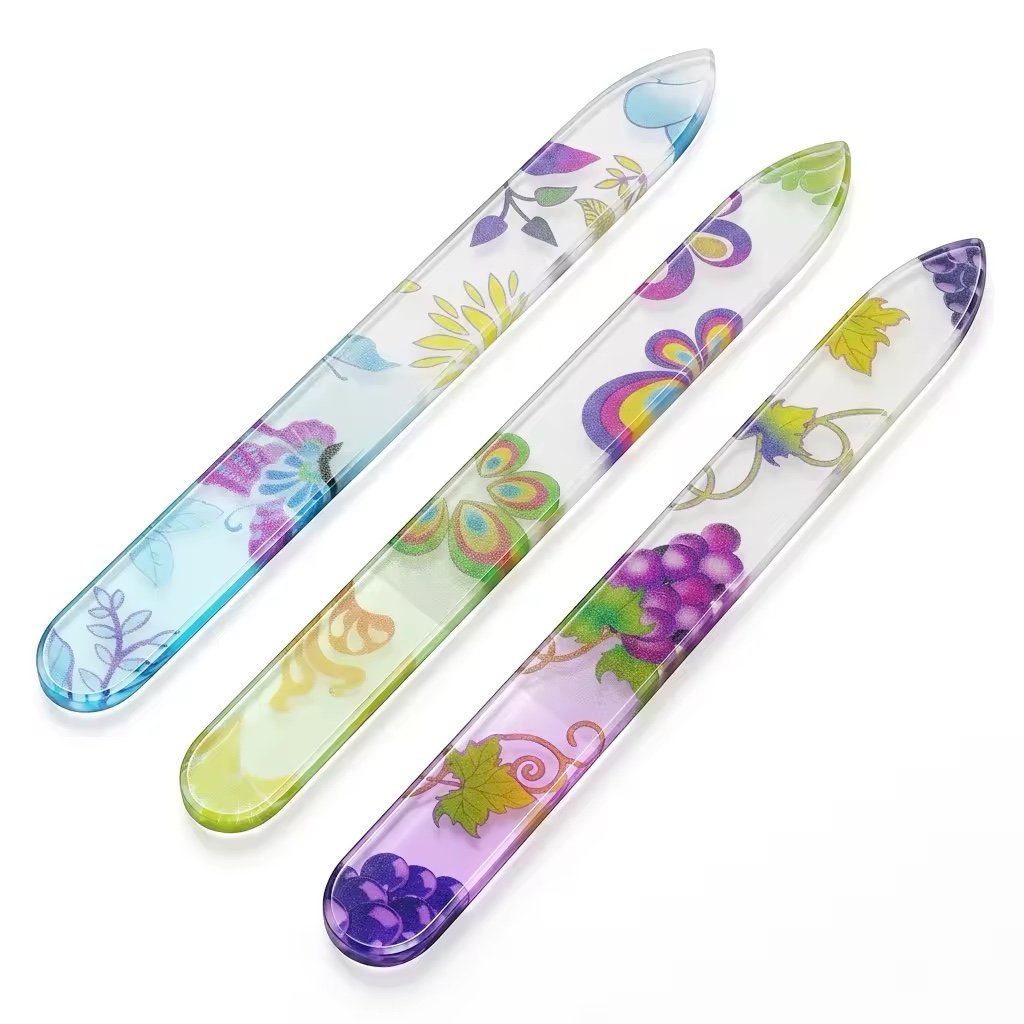
See the printed Glass Nail File from different angles
Use the rotating view to compare the printed finish, color direction and overall profile before you send artwork and packaging requirements.
- Name the exact Glass Nail File construction and selling unit.
- Give every artwork and packaging change a revision number.
- Write the sample checks before the sample is made.
- List the documents required for the destination market.
Build the brief
Prepare one Glass Nail File sourcing brief
Put the product, artwork, packaging and commercial inputs in one file so the first review covers the complete request.
Sourcing path
Move from a product idea to an approved sample
Keep one specification and update it as the product, print and pack are reviewed.
- 1
Send the brief
Share the market, sales channel, visual reference, quantity range and timing.
- 2
Review the request
The factory checks the file format, decoration, pack and any points that need technical follow-up.
- 3
Freeze the sample revision
Record the product dimensions, artwork version, packaging revision and sample checks in one file.
- 4
Approve or revise
Compare the physical sample with that file and record each change before the next sample or order decision.
Private-label workflow
Six records to complete before production release
These records keep the buyer, factory and packaging team on the same revision.
Requirement record
Destination market, sales channel, selling unit, target profile, quantity range and project date.
Product specification
Dimensions, end shape, construction, surface details and the checks used to accept the product.
Artwork and pack file
Logo file, print position, color reference, label copy, barcode data and protective packaging.
Sample revision
One revision number for the product, artwork and pack used to make the physical sample.
Approval record
Comments on the shape, finish, decoration, pack fit and any change required from the sample.
Production release
The approved revision, reviewer, approval date and outstanding actions recorded before production.
Buyer-side control
What to record when approving a sample
The approval file should identify the sample and make the buyer’s decision easy to trace.
Product and revision
Product reference, target dimensions, end profile, artwork version and packaging revision.
Physical checks
Geometry, surface appearance, decoration placement, label details and pack fit checked against the agreed list.
Selling unit
Item count, protective format, barcode needs and market copy supplied by the buyer.
Decision
Reviewer, approval date, comments and the changes required before the next commercial step.
Document review
Check every document against the product and market
Before order approval, check the requested documents against the Glass Nail File specification, destination market, selling unit and packaging. A certificate image does not show product scope by itself.
Product identity
Check the product, model or sample and the company named on the document.
Standard or test method
Read the requirement, method and edition stated in the document.
Date and status
Check the issue date, validity and whether a newer document has replaced it.
Market and limits
Record the destination market, exclusions, test conditions and any pack or label dependencies.
Example brief for a printed Glass Nail File gift set
The example shows how a buyer could prepare an RFQ and sample review. It is not a customer case or a completed Topcom order.
Buyer brief
Describe the retail offer
State the market, sales channel, item count, file profile, print direction, protective pack and label information.
Factory review
Create one working revision
Put the product specification, artwork, print position, packaging protection, barcode data and requested documents under one revision number.
Sample decision
Record the result
Check the shape, finish, artwork position, pack fit and label copy. Add the reviewer’s name, date, comments and required changes.
Glass product media
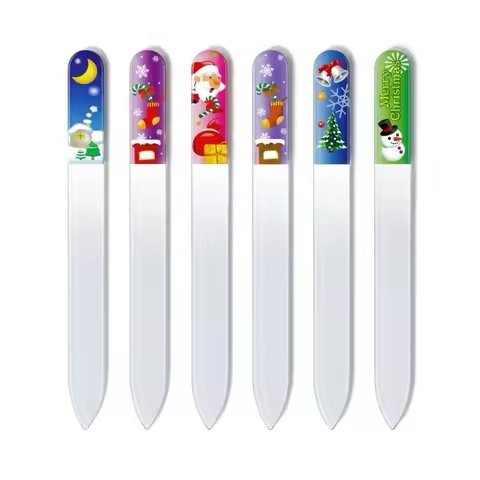
Use product media to review Glass Nail File directions
Use these references to discuss visible profile, color, print placement and assortment direction before sending the complete brief.
Before you inquire
Questions to Resolve in the First Review
What should be included in the first sourcing brief?
Include the target market, selling channel, preferred format, size range, artwork direction, packaging concept, quantity range and timing goal.
Can I request a custom shape, print or protective pack?
Submit the target geometry, artwork, selling unit and protection requirements so the review can cover the complete product and pack concept.
What artwork files help the review move faster?
Share editable artwork, color references, print placement, logo clear space, label copy and the packaging dieline when available.
What should my team evaluate on a sample?
Use an approved checklist covering geometry, surface appearance, finish, artwork, packaging protection, labeling and agreed acceptance points.
Send your brief
Discuss your Glass Nail File specification
Include the market, preferred format, artwork direction, packaging goal, selling unit and quantity range for the first review.